PDF forms and signatures for Android
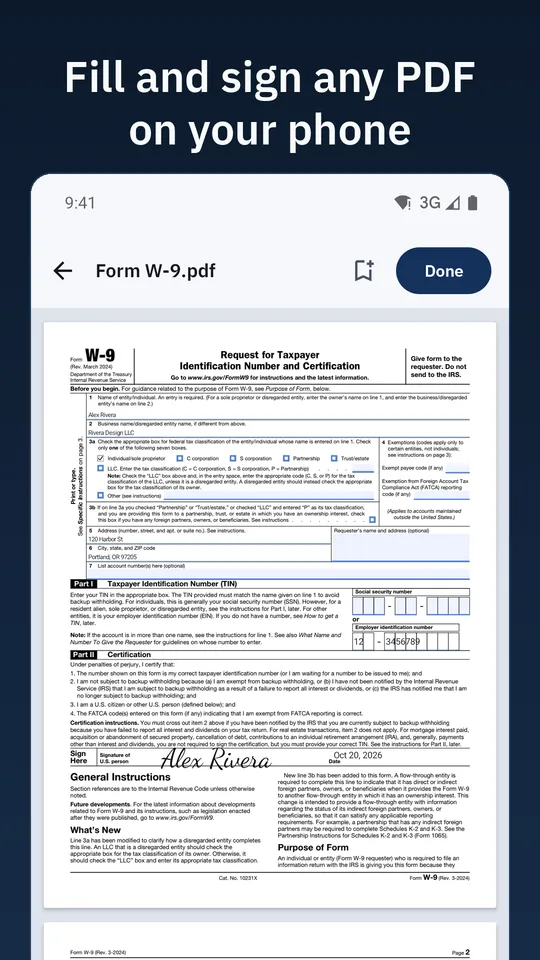
Fill and sign any PDF on your phone
Fill in a PDF form, sign it and send it back in a couple of minutes, without a printer, an
account or a subscription. Saving your signed PDF is never behind a paywall.
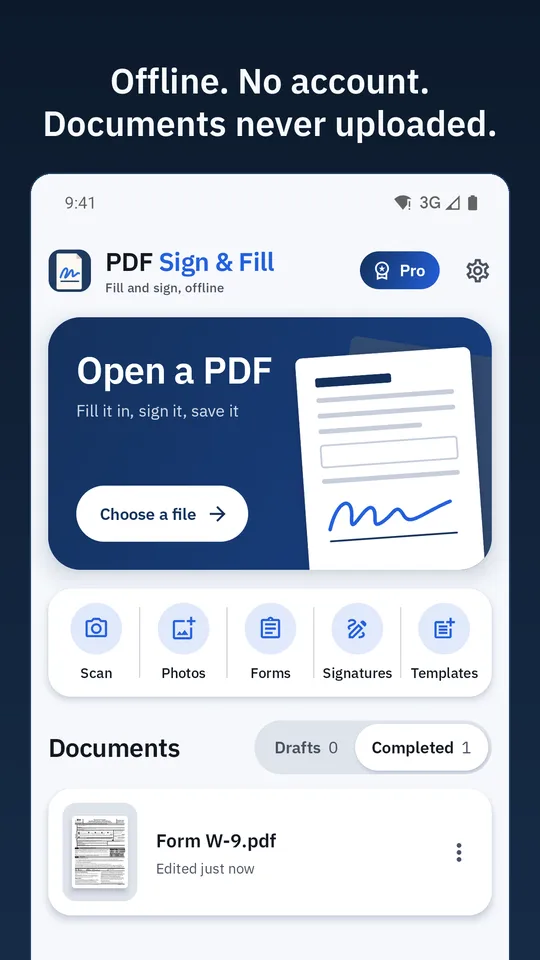
PDF Sign & Fill works offline, and your documents are never uploaded.
- Works offline
- No account
- Documents never uploaded
- No watermark
- No ads
See it
What it looks like on your phone
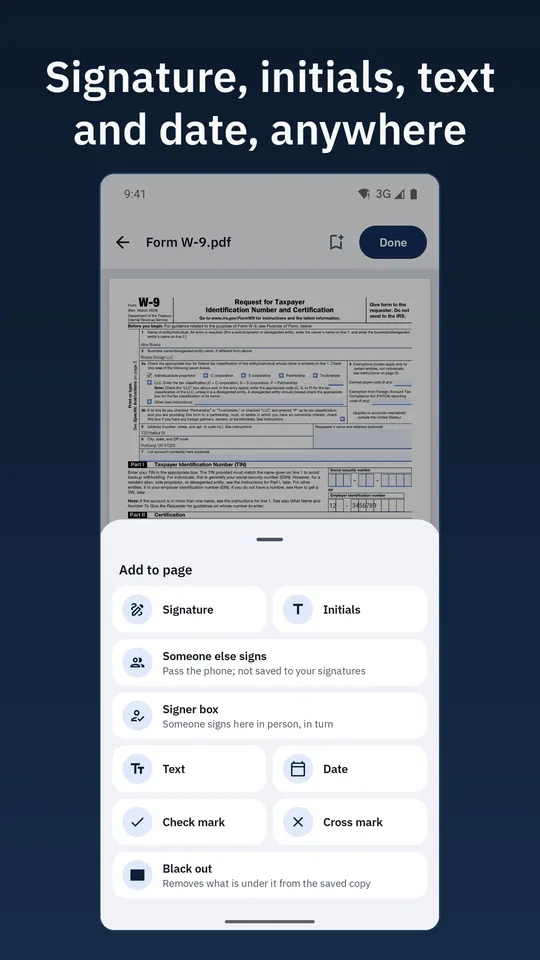
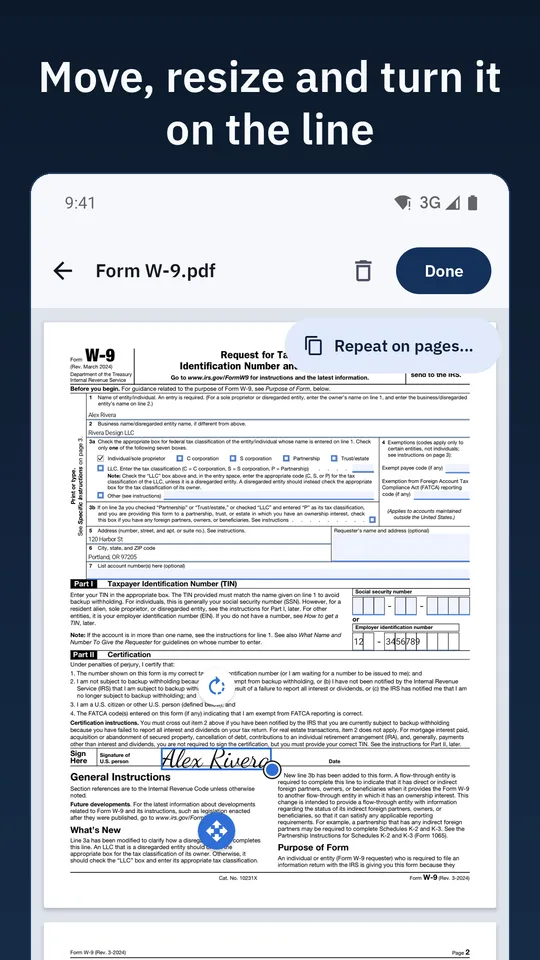
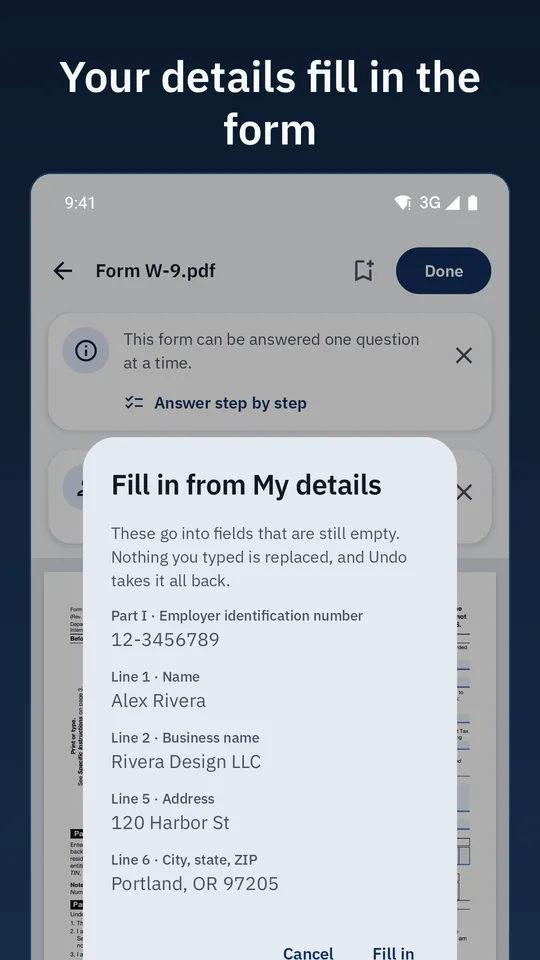
Captured from the app on a phone. The name and business on the forms are made up.
What it does
From the form you got to the PDF you send back
Fill any PDF
- Type straight into the form's fields: text boxes, check boxes, choices
- Add text, the date, check marks and crosses anywhere on the page
- Zoom in to the field you are typing in, pinch to zoom, undo and redo
- "My details" adds your name, address, phone and business name with one tap
Sign on the page
- Draw your signature with your finger or a stylus, or type it in a handwriting font
- Initials, and the same signature repeated on every page that needs it
- Move, resize and turn anything you place; it lands where you put it
- Signing with someone in the room? Pass the phone: each person signs their own box
Save and share, never held hostage
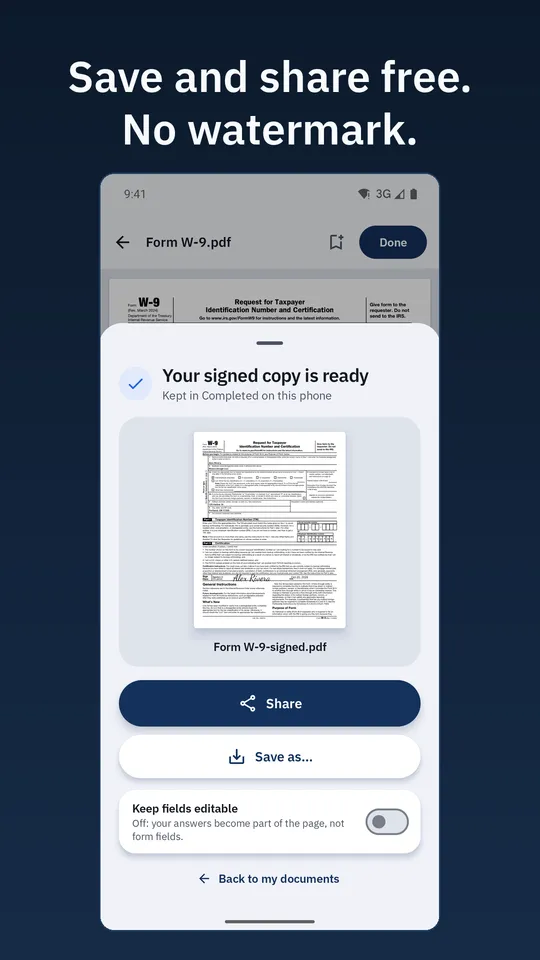
- Save a flat signed copy, or keep the fields editable
- Share to mail or chat, or save to any folder
- No watermark, no nag, no paywall between "done" and your PDF
- A warning before you write over a PDF that is already signed
More
- Turn photos or a camera scan into a PDF
- Rotate, reorder, delete and add pages
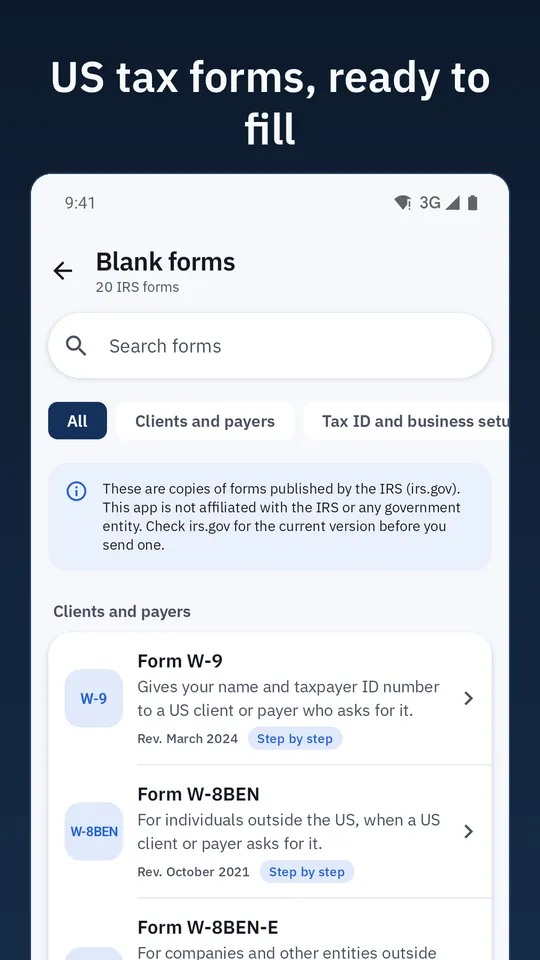
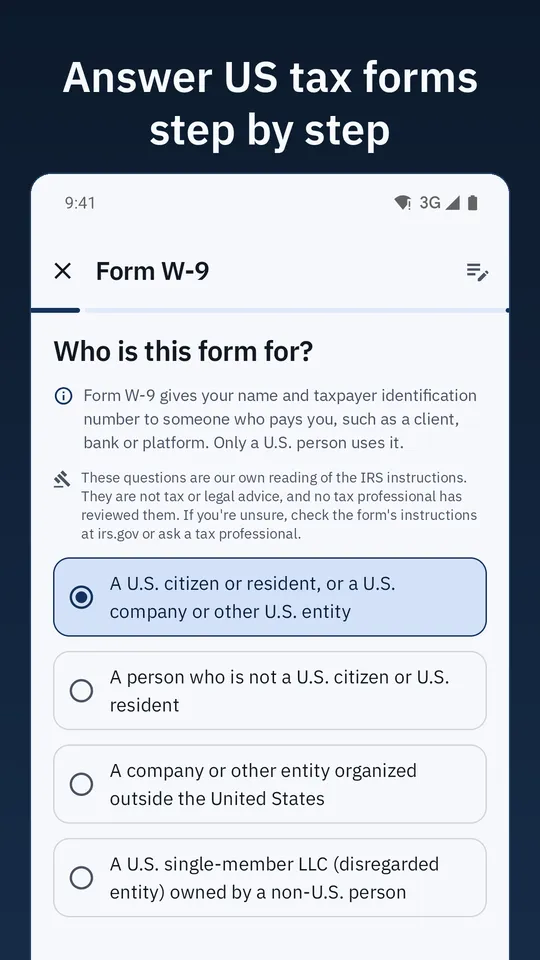
- Common US tax forms ready to fill or answer step by step: W-9, W-8BEN, W-7, SS-4, 8821, 2848 and more
- Drafts save themselves as you work
- Optional app lock with fingerprint, face or screen lock
Free, with an optional Pro
Filling, signing, saving and sharing are free
No ads. Pro is a one-time purchase, not a subscription, and you can try each part of it once before you buy.
Free Everyone
- Fill and sign any PDF
- Save and share the result, with no watermark
- Photos and scans to PDF, page tools, drafts and the app lock
- One free use of each Pro feature
Pro One-time purchase
- Answer eight IRS forms (W-9, W-8BEN, SS-4, W-7, 8821, 2848 and more) step by step, or fill them in one tap from your saved details
- More saved templates and more signing sessions with several people
- Extra color themes, your own accent color and ink styles
Plainly
What it is not
A signature placed here is an image of your signature on a copy of the document, for paperwork you sign
and send back. It is not a certificate-based signature and does not send documents out for signature.
Private by design
Your documents stay on your phone
No account, no cloud, no analytics, no ads. Your documents and signatures are never uploaded. The app
needs no storage permission: you pick each file yourself. The app's documents are left out of cloud
backup.
The details are in the privacy policy.
What you need
Before you start
- An Android phone with Android 8.0 or newer
- The PDF you were sent, or photos to turn into one
Questions or ideas? See Support, or in the app, Settings → Contact support.

Fill it, sign it, send it back.